Build from what
you already use
Connect Linear, Notion, Stripe, Slack, and more. Lovable builds with all of it.
Get startedFeatured connectors
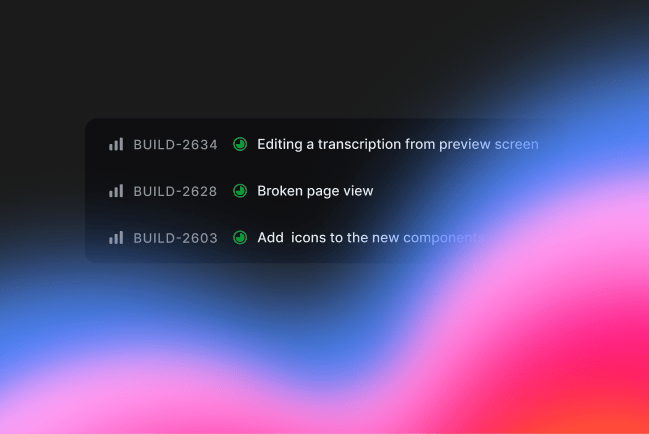
Your backlog, your docs, your data. Lovable reads them and builds from them.
Explore all connectors
Find the right connector for your workflow.

Aikido
Application security scanning for developers

Amazon S3
Store and retrieve files and data from S3 buckets

Amplitude
Spot what users actually do and build from real analytics

Atlassian
Turn Jira specs into working software

Contentful
Build the front end around your existing content model

ElevenLabs
Add human-sounding voice to any app

Firecrawl
Scrape websites into clean, structured data

GitHub
Version control, code review, and collaboration for software teams

GitLab
DevOps platform with built-in CI/CD and repository management

Granola
Pull action items and decisions from meetings straight into builds

Linear
Build from your real backlog and issues

Miro
Turn workshop boards into working prototypes

n8n
Automate across 400+ services and connect your entire stack

Notion
Build from your team's docs and wikis

Perplexity
Add real-time web search with cited sources

Polar
Monetization infrastructure for open source developers

Sanity
Build content-driven apps with your Sanity schema as the blueprint

Shopify
Build on your storefront, products, and order data

Slack
Build bots, alerts, and dashboards on your team's Slack workspace

Stripe
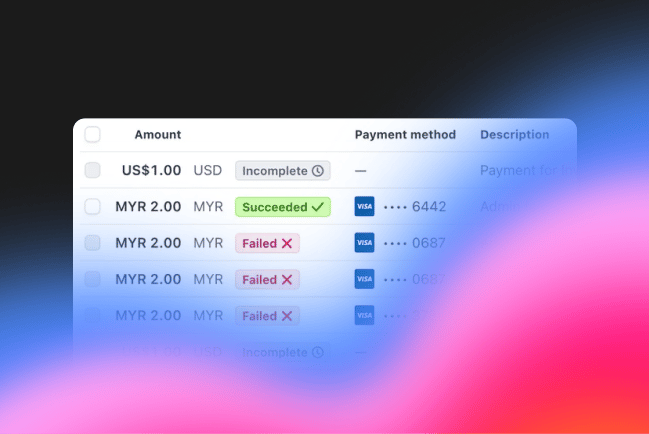
Accept payments, billing, subscriptions and more

Supabase
Postgres database, authentication, and storage in one platform

Telegram
Build bots that send messages and manage channels at runtime

Twilio
Send SMS, WhatsApp, and voice calls from your deployed app

Twitch
Access Twitch streams, channels, and viewer data in your app
Custom
Connect your own MCP
Any API. Any MCP server. Any tool.
You're not limited to our connector list. Add any service through the integrations hub. Configure once and use across every app you build. New connectors ship every week, but you never have to wait for one.
More complex requirements?
Our team will partner with you to map your workflows, understand your data, and build what you need. Book time to walk us through your setup.
Frequently asked questions
Connectors let Lovable read and write data from your favorite tools. Once you enable a connector, Lovable can pull in live data, trigger actions, and build features that stay in sync with your existing stack.
We support tools like Linear, Notion, Stripe, Slack, Shopify, Google Workspace, and more. New connectors are added regularly — check the full list on this page.
From your Lovable project, open the integrations panel and select the connector you want. Follow the setup steps and Lovable will be ready to use your data.
Yes. Lovable supports the MCP (Model Context Protocol) standard, so you can connect any tool with an API. Select “Connect it yourself” to get started.
Connectors themselves don’t cost credits. Credits are only used when Lovable generates or modifies code. Connecting to your tools is free.